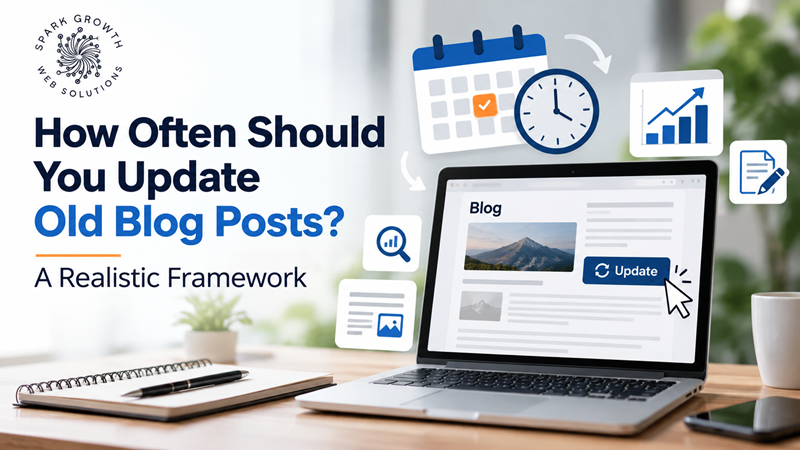
“How often should I update old blog posts?” doesn’t have a single universal answer, and most of the generic advice out there — “every six months,” “annually” — misses the actual variable that matters: how quickly the underlying information changes. SparkGrowth Web Solutions uses a simple framework based on content type rather than a fixed calendar, and it’s held up well across very different client industries.
Why a Fixed Schedule Doesn’t Actually Work
A blanket “update everything every six months” policy wastes effort on genuinely evergreen content that hasn’t changed, while potentially leaving fast-moving content stale for too long in between scheduled reviews. The right cadence depends entirely on what kind of content you’re dealing with.
A Framework Based on Content Type
Fast-Moving: Review Quarterly
Content involving pricing, statistics, tool comparisons, or anything tied to rapidly changing information (like this very topic — AI and search trends) needs frequent review. Information here can become misleading within months, not years.
Moderate-Change: Review Every 6–12 Months
General how-to guides, industry best practices, and process explanations tend to shift gradually rather than suddenly. An annual review usually catches what’s changed without excessive maintenance overhead.
Evergreen: Review Every 1–2 Years, or When You Notice a Decline
Foundational explainer content — what a concept means, why something matters — often holds up for years with minimal change needed. These are better monitored through performance data than a calendar: if traffic to a previously strong page starts declining, that’s your signal to check it, regardless of when it was last touched.
What Actually Counts as a Real Update
Changing the publish date without meaningfully improving the content doesn’t help, and doing it repeatedly can look manipulative rather than genuinely helpful. A real update means:
- Correcting outdated information or statistics
- Adding genuinely new, relevant information the original didn’t cover
- Improving structure or clarity based on how the topic is now best explained
- Expanding thin sections that were originally underdeveloped
- Removing or replacing information that’s become inaccurate or irrelevant
How to Prioritize When You Have a Large Content Backlog
- Start with pages that once performed well but have declined — these have proven demand and existing authority worth reclaiming.
- Prioritize pages closest to converting — content nearer your services or products affects revenue more directly than top-of-funnel pieces.
- Group by topic and update related pages together — this is also a natural opportunity to strengthen internal linking between them.
- Don’t feel obligated to update everything — some older content may simply no longer be relevant, and retiring or consolidating it can be the better move, as covered in our piece on content freshness versus new content.
Setting Up a Sustainable Process
Rather than a single annual scramble, most businesses do better with a rolling review — a fixed number of older posts checked each month, prioritized by the framework above. This spreads the effort and prevents any single piece of content from going too long unreviewed.
If you have years of accumulated content and no current process for reviewing it, that’s usually a worthwhile place to start before publishing anything new. SparkGrowth Web Solutions can help build a realistic, sustainable content review schedule tailored to how quickly your specific industry actually changes.
Frequently Asked Questions
Does updating an old post reset its ranking history?
No — a genuine content update typically preserves and can strengthen existing rankings, rather than starting over, as long as the core topic and URL remain the same.
Should I delete old, low-performing posts instead of updating them?
Sometimes — if a post covers a topic no longer relevant to your business, or overlaps heavily with a stronger existing page, consolidating or removing it (with a proper redirect if it has any existing traffic or links) can be the better move.
How do I know if a specific post needs updating without checking all of them individually?
A traffic trend report sorted by year-over-year change quickly highlights pages that have declined, which is usually a faster way to prioritize than reviewing everything on a fixed schedule.